Local smart home hubs vs cloud: which is best for you?
Your lights stopped responding because some startup in California had a database hiccup. Three seconds later, the API timeout cascaded into your living room, and you stood in the dark wondering why a $40 light bulb needs a SaaS subscription to turn on.
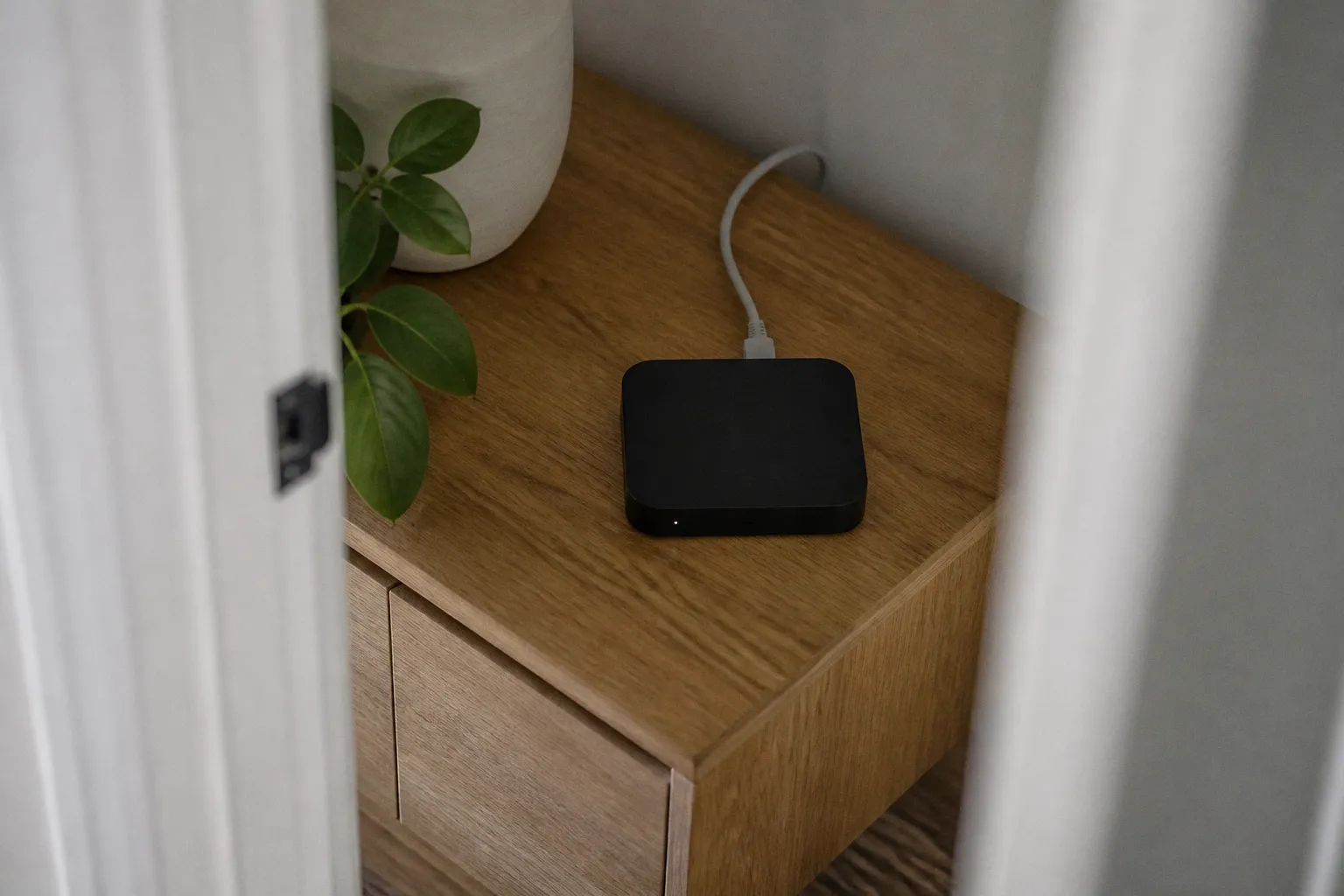
This is the architecture conversation the retail aisle never has. Whether local or cloud architecture is right for your home isn't a marketing question — it's a topology decision. And once you start pulling on the thread, you find yourself staring at mesh radios, vendor SDKs, and Matter's ongoing identity crisis.
The architecture of control: local processing vs cloud dependency
A cloud-based hub is essentially a thin client with marketing attached. It wraps a radio (Zigbee, Z-Wave, Thread, Wi-Fi, sometimes all four), a tiny OS, and an outbound connection to a vendor-controlled backend. When you tap the app, the command hits a server, the server decides what to do, and the response trickles back to your bulb. The hub in your house is a polite intermediary. It holds no state. It knows no rules.
A local hub inverts that model. The decision engine runs on hardware you own — a Raspberry Pi, a small-form mini PC, or a dedicated box like the Home Assistant Green. Triggers fire on-device. Payloads execute against a local state machine. The vendor server is optional, an escape hatch rather than a load-bearing wall.
The trade-off is not symmetrical. Cloud-only setups feel frictionless on day one: the app pairs the device, the cloud registers it, automations light up without you touching a YAML file. Local setups demand you wire the rules yourself. But every abstraction the cloud provider offers is also a single point of failure you can't reach. When that provider's auth service degrades — and it will, ask anyone who lived through the SmartThings outage cycles or the Hue bridge dependency drama — your "smart home" becomes a collection of expensive dumb objects.
The architectural question, then, is whether you want the brain of your house to live inside your house.
Reliability and latency: why local hubs outperform cloud servers
Latency is the first thing you notice. Local control operates in single-digit milliseconds — Matter is engineered for sub-millisecond local communication across its Thread backbone. Cloud-dependent action paths typically add 100–500ms of round-trip time, and that's the optimistic case. Degraded APIs, mobile network jitter, and TLS handshakes can push a "turn on the porch light" command into the second-and-change range. Trivially slow until you're trying to trigger a motion-activated lighting sequence and your hallway flashes on after you've already passed it.
The second thing you notice is uptime. A local hub keeps working when your ISP goes down, when your router needs a reboot, when a vendor's certificate expires. This isn't theoretical — it's the standard Tuesday evening of anyone running a home automation stack through an outage. Local control ensures operation during ISP outages because the device graph never leaves the LAN. The packets go from sensor to hub to actuator and stop there.
If your smart home can't survive an internet outage, you don't have a smart home — you have a remote control with a subscription fee.
The third thing you notice — usually the day after a routine firmware "improvement" — is that cloud dependencies create vendor coupling. Your automation logic lives behind someone else's authentication layer. Migrate away from the platform and you migrate away from months of carefully tuned scenes. Local-first systems, by contrast, treat automations as portable code. Export, version, replay.
| Parameter | Local hub | Cloud-based hub |
|---|---|---|
| Command latency | Sub-millisecond to ~10ms | ~100–500ms typical, higher under load |
| Functionality during ISP outage | Full | Often none |
| Data location | On-device / LAN | Vendor servers (often third-party cloud) |
| Configuration complexity | Moderate to high | Low |
| Vendor lock-in | Low | High |
| Remote access | Requires self-configured tunnel or VPN | Built-in |
| Failure mode | Local — you can debug | Remote — you wait and hope |
Privacy implications of data handling in smart home ecosystems
Cloud hubs don't sell hardware — they sell telemetry. The bulb is the hook; the recurring data stream is the business. Every motion event, every door open, every "occupancy detected" cue is a row in someone else's database. Some of that data feeds model training, some flows to ad partners, and almost none of it is governed by the kind of privacy posture you'd apply to a webcam pointed at your front door.
Local control reduces the surface area dramatically. A sensor event recorded by a Zigbee or Z-Wave mesh device has nowhere to go except your hub. No outbound telemetry, no shadow profile accumulating on a vendor's S3 bucket, no analytics SDK phoning home. The data stays inside the perimeter you control.
There are limits to this posture. Any device you pair over Wi-Fi is inherently capable of reaching the internet regardless of what your hub does. Smart speakers, smart displays, and anything branded "AI-powered" typically maintain their own cloud channels that no local hub can intercept. Matter changes the protocol layer but not the business model — vendors can still choose to route certain features through cloud services even on a Matter-certified device. Firmware updates, remote access, and advanced ML-driven functions frequently do. The bottom line: Matter enables local interoperability, it does not mandate local-only operation.
Privacy isn't a feature you toggle on. It's a topology decision you make before you buy the gear.
The practical take: pick devices whose core functionality runs locally, and treat cloud features as opt-in escape hatches rather than default dependencies. That means preferring Zigbee, Z-Wave, and Thread devices over Wi-Fi-only counterparts where possible, and configuring your hub to deny outbound traffic by default for anything it doesn't explicitly need.
The role of Matter, Thread, and mesh protocols in local interoperability
The protocol layer is where local control lives or dies. Skip past the marketing — Matter, Zigbee, Z-Wave, and Thread are not interchangeable, and conflating them produces automation architectures that look good on a diagram and fall apart in practice.
Matter is an application-layer protocol designed to enable local interoperability between devices from different manufacturers. It runs over IP — either Wi-Fi or Thread — and uses Bluetooth Low Energy for commissioning. The promise is a single commissioning flow that bridges ecosystems without cloud-to-cloud relay. The reality, three years after Matter 1.0 shipped, is that the spec is evolving faster than device firmware: Matter 1.3 added support for energy management and water management devices, but a great deal of "Matter support" in retail devices remains partial or dependent on cloud relay for advanced features.
Thread is the radio layer underneath much of Matter's low-power story. It's a low-power, IP-based mesh networking protocol built on 802.15.4 with 6LoWPAN compression, and a properly border-routed Thread network can support 250+ devices with self-healing routing. Thread is a foundational component of the Matter standard because it gives Matter a viable local transport that doesn't need Wi-Fi or mains power at every node. If you own a HomePod Mini, an Apple TV 4K, or certain Nest hubs, you already have a Thread border router in your home — you just need to turn it on.
Zigbee and Z-Wave are the pre-Matter veterans. Both are low-power mesh networking protocols that operate locally, requiring a dedicated hub to bridge them to the IP network. Zigbee runs at 2.4 GHz globally, sharing real estate with Wi-Fi (and your microwave), which gives it decent bandwidth but introduces interference headaches in dense deployments. Z-Wave operates in sub-GHz bands — 908.42 MHz in the US, 868.42 MHz in the EU — which means cleaner spectrum but lower data rates. Z-Wave's stricter certification regime historically produced more reliable device behavior; Zigbee's openness produced more devices and more fragmentation.
The three protocols address different problems, and the local hubs serious about this space expose all three:
- Matter-over-Thread for new devices with strong industry backing
- Zigbee for the vast installed base of low-cost sensors and bulbs
- Z-Wave for anything that needs rock-solid reliability on locks, sensors, and critical safety devices
A practical blueprint looks like this: Home Assistant or similar local controller running on dedicated hardware, with a Zigbee coordinator (ZZH or similar), a Z-Wave 700-series stick, and Thread border routing enabled through a compatible device on the network. Automations live in YAML or Node-RED flows, both running locally. The whole stack survives ISP outages, exposes a documented API, and treats cloud integrations as plugins rather than dependencies.
Balancing ease of use with technical control for your smart home
The honest argument for cloud hubs is that most people do not want to configure a YAML file at 11pm because their bathroom light didn't trigger. Cloud platforms abstract that complexity away. They package common patterns, they handle device quirks, and they ship a mobile app your spouse will actually use. For a renter with twelve devices and zero patience for protocol stacks, that trade is rational.
Local control asks for something different: technical literacy, tolerance for debugging, and the willingness to read a log file when an automation misfires. The setup is not harder — it's just less forgiving. You own the failure modes. A misconfigured trigger fires at 3am and only you can silence it.
The middle ground exists, and it's worth naming. Modern local controllers expose a UI layer on top of the underlying logic. Home Assistant Lovelace, Hubitat's dashboards, and even some commercial-grade local hubs offer drag-and-drop automation builders that hide the YAML but keep the on-device execution. You give up a fraction of the cloud platform's polish and gain a network that doesn't phone home, doesn't break when DNS fails, and doesn't deprecate features in a quarterly roadmap update.
The cloud hub is a rental. The local hub is a deed. One you can return; the other you actually own.
My own stack, after years of beating on both models, runs on a small mini-PC with Home Assistant managing Zigbee sensors, Z-Wave locks, and a Thread mesh for the newer gear. Webhooks fire on state changes. Automations run as scripts with explicit conditions, not as opaque cloud rules. The remote access tunnel is self-hosted. It takes an afternoon to stand up properly and an evening to debug when something inevitably doesn't pair on the first try. It also worked through the last three ISP outages my neighbors complained about, and it will keep working when the next vendor pivots away from smart home entirely.
If you're building a smart home that needs to outlast vendor roadmaps, weather local control's setup cost. If you need something that works in an afternoon and you'll replace in eighteen months, cloud is fine. Know what you're buying — both of them.