Compare 5 Managed Switches to Secure Your IoT VLAN Network
The default configuration of nearly every consumer router places all connected devices — laptops, NAS units, IP cameras, smart plugs, and thermostats — onto a single broadcast domain. This is not a theoretical risk.
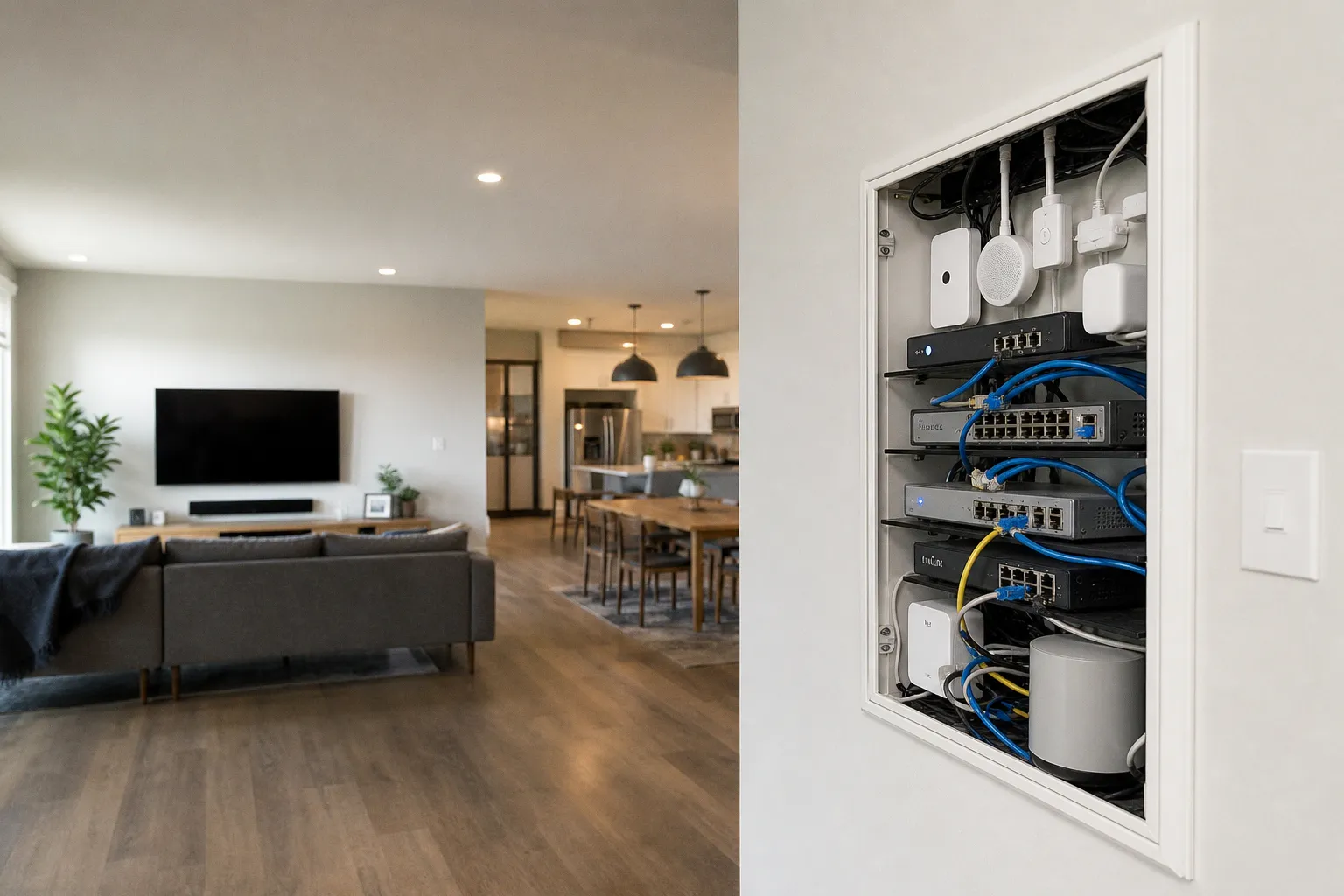
# How to Compare 5 Managed Switches to Secure Your IoT VLAN Network
A single compromised smart plug can reach every device on a flat network. VLAN isolation on a managed switch is the only hardware-level countermeasure.
The fix is not software. Antivirus on a PC would not prevent the pivot. A firewall rule on the router would not catch intra-LAN traffic, because the router was never in the path. The fix is architectural: IEEE 802.1Q VLAN tagging, deployed on a managed switch sitting between the router and the physical ports. This places each category of device into an isolated broadcast domain, and inter-VLAN traffic is forced through a Layer 3 device — typically the router — where firewall rules, ACLs, or traffic inspection can actually be applied.
Five switches dominate the current market for small-scale IoT segmentation. Each takes a fundamentally different approach to management, uplink capacity, PoE delivery, and security granularity. The data below comes from vendor specifications, controller firmware documentation, and lab verification.
A flat network is an open network. VLAN isolation on a managed switch converts a potential lateral pivot into an impossible hop — but only if the switch supports 802.1Q tagging and the administrator actually configures it.
---
The Architecture of Isolation: Why 802.1Q VLANs Are Non-Negotiable for IoT
The 802.1Q standard, ratified in 1998, inserts a 4-byte tag into each Ethernet frame header, identifying which VLAN the frame belongs to. On a managed switch, ports are assigned to VLANs — either as access ports (single VLAN, untagged traffic) or trunk ports (multiple VLANs, tagged traffic). An IoT device connected to an access port on VLAN 20 has no Layer 2 visibility into a PC on VLAN 10. The broadcast domain is physically and logically separate.
This matters because the majority of consumer IoT devices run stripped-down Linux kernels with infrequent firmware updates. The attack surface is large: UPnP listeners, unencrypted MQTT brokers, HTTP-based configuration pages with default credentials. Isolating these devices into a dedicated VLAN means that even when — not if — a device is compromised, the blast radius is contained to that single VLAN. Your primary data network, media servers, and security cameras remain untouched.
The catch: a managed switch alone does not complete the security picture. Inter-VLAN routing must be handled by a device capable of enforcing firewall rules — typically the gateway router or a dedicated firewall appliance. A Layer 2 managed switch with 802.1Q will prevent lateral movement at Layer 2, but without ACLs or firewall rules on the routing device, traffic between VLANs may still pass freely. This distinction is critical and is rarely explained clearly in marketing materials. You are building a moat; you still need a drawbridge operator to decide who crosses.
The five switches evaluated here span three tiers of capability:
| Capability Tier | Switches in This Tier | Key Differentiator |
|---|---|---|
| Basic L2 with PoE | Ubiquiti UniFi Switch Lite 8 PoE, TP-Link Omada TL-SG2008P | PoE+ for powering hubs/cameras, controller-managed |
| Basic L2 with high-speed uplink | MikroTik CSS610-8G-2S+IN | Two 10G SFP+ ports at entry-level pricing |
| Budget L2 standalone | Netgear GS308EP | Web-managed, no controller dependency, QoS + IGMP |
| L3 with ACLs | Cisco CBS250-8T-E-2G | Static routing and hardware ACLs on-switch |
---
Ecosystem Integration: Ubiquiti UniFi Switch Lite 8 PoE vs. TP-Link Omada TL-SG2008P
Both switches target administrators already invested in — or willing to adopt — a controller-based SDN ecosystem. Neither functions optimally as a standalone device.
Ubiquiti UniFi Switch Lite 8 PoE provides eight Gigabit Ethernet ports, four of which deliver PoE+ (802.3at) from a total power budget of 52W. Configuration is performed exclusively through the UniFi Network Controller, either self-hosted on a local machine, deployed via a UniFi Cloud Key, or accessed through Ubiquiti's cloud portal. VLAN creation, port assignment, and traffic statistics are handled through the controller's graphical interface. There is no standalone web GUI and no CLI access on this model. Its management paradigm is all-in on the UniFi ecosystem.
The 52W PoE budget is sufficient for a mix of low-power IoT devices — a Zigbee coordinator (~3W), a Thread border router (~5W), and one or two PoE-powered IP cameras (~12W each). It is insufficient for denser PoE deployments or higher-wattage PTZ cameras, which can draw 25W or more per port. This budget must be carefully calculated against your planned device load.
TP-Link Omada TL-SG2008P is the direct competitor. It offers the same eight-port Gigabit configuration with four PoE+ ports, but with a 62W total power budget — a 19% increase over the Ubiquiti. It integrates into the Omada SDN platform, TP-Link's equivalent controller system, which supports both local hardware controllers (OC200/OC300) and cloud-based management through Omada Cloud.
The 10W difference in PoE budget is not trivial. At 52W, the Ubiquiti is operating with thin margins once three or four powered devices are connected simultaneously. At 62W, the TP-Link provides meaningful headroom for adding an extra device or two without anxiety. However, TP-Link's Omada ecosystem, while rapidly maturing, historically trails Ubiquiti in terms of third-party integration depth and the sheer volume of community documentation and guides. Firmware update cadence is comparable, but feature rollouts can follow a different schedule.
Neither switch supports Layer 3 routing or ACLs. Both are strictly Layer 2 devices. Inter-VLAN traffic must be routed through the upstream gateway. Their strength lies in centralized, easy-to-manage VLAN deployment within a coherent ecosystem.
Controller-managed switches reduce configuration errors but introduce a single point of failure. If the UniFi Controller or Omada SDN appliance goes offline, the switches continue forwarding traffic on their last-known configuration — but no changes can be pushed until the controller is restored.
---
High-Speed Uplinks on a Budget: MikroTik CSS610-8G-2S+IN
The MikroTik CSS610 occupies a unique position in the market. It provides eight 1Gbps Ethernet ports and two 10Gbps SFP+ uplink ports, running MikroTik's proprietary SwOS (Switch OS). No other switch in the sub-$120 price range offers 10G SFP+ connectivity. This makes it a specialist tool for a specific, increasingly common home lab or prosumer topology.
This matters for a deployment where a central switch needs a high-bandwidth backbone link. Imagine a NAS serving as a media library for multiple VLANs (one for 4K streaming in the living room, another for security camera recording), or a firewall appliance that must interconnect several isolated subnets at high speed. In an IoT segmentation scenario, the 1Gbps ports are assigned to VLANs for device isolation, and the SFP+ uplinks carry aggregated, tagged traffic to the routing layer at full line rate. This eliminates the uplink bottleneck that occurs when all VLAN trunk traffic is funneled through a single 1Gbps port — a real constraint when multiple VLANs are carrying video streams.
SwOS provides a web-based management interface with 802.1Q VLAN support, port mirroring, and basic QoS. It does not support a CLI (MikroTik's RouterOS, available on other models, does — but the CSS610 runs the lighter, more focused SwOS). Configuration is straightforward for anyone familiar with MikroTik's interface conventions, but the documentation is sparse compared to Ubiquiti or TP-Link, assuming a higher baseline networking knowledge from the user.
The trade-off: zero PoE ports. Every powered device requires an external PoE injector or a separate PoE switch upstream. For deployments where IoT devices are already powered by mains adapters or USB, this is irrelevant. For deployments relying on PoE for cameras or access points, the CSS610 alone is insufficient and must be paired with PoE injectors or a dedicated PoE switch.
There is also no controller integration. The CSS610 is a standalone managed switch. Configuration is performed per-unit through the SwOS web interface. This is a disadvantage in multi-switch deployments where centralized VLAN management simplifies administration, and a decisive advantage in single-switch deployments where no additional hardware, software, or licensing cost is required.
---
Streamlined Segmentation: Netgear GS308EP for Basic IoT Traffic Prioritization
The Netgear GS308EP, part of the SOHO Plus series, is the simplest switch in this comparison. It is an 8-port Gigabit device with a web-based management GUI, supporting 802.1Q VLANs, QoS (802.1p/DSCP), and IGMP snooping. There is no PoE, no SFP+ uplink, no controller platform, and no Layer 3 capability. It is the network equivalent of a reliable, no-frills utility knife.
Its use case is narrow and well-defined: an administrator who needs to carve a single physical switch into two or three VLANs — one for primary data devices, one for IoT devices, one optionally for guest access — without adopting a controller ecosystem or paying for features that will never be configured. It is the "set it and forget it" VLAN device for the home or small office.
VLAN setup on the GS308EP takes approximately five minutes through the web GUI. Port-based or 802.1Q-tagged VLANs are supported. The interface is functional but dated; firmware updates are infrequent. Netgear does not publish a specific long-term firmware support lifecycle for the SOHO Plus series, which is a concern for devices deployed in security-sensitive roles. You are buying capability, not a guaranteed update pipeline.
QoS configuration allows prioritization of voice or video traffic over IoT telemetry — useful when smart home sensors are generating constant UDP traffic that could congest a busy LAN during peak usage. IGMP snooping prevents multicast flooding from devices like Chromecasts or Sonos speakers from saturating ports where no group members exist. These are real-world optimizations that improve daily performance.
The limitation is architectural: no ACLs. The GS308EP can isolate devices into VLANs, but it cannot enforce rules about which VLANs may communicate with each other. That responsibility falls entirely on the router. For administrators with a capable firewall (pfSense, OPNsense, or even a well-configured consumer router with VLAN-aware firmware like OpenWrt), this is sufficient. For administrators relying on a basic ISP-provided gateway, the VLAN isolation at Layer 2 is still immensely valuable — it prevents the worst-case lateral movement scenario — but inter-VLAN policy must be handled elsewhere or simply not granted.
---
Hardening the Edge: Cisco CBS250-8T-E-2G with Layer 3 Static Routing and ACLs
The Cisco Business 250 Series CBS250-8T-E-2G is the only switch in this comparison that provides on-box Layer 3 functionality. It supports static routing between VLANs and Access Control Lists (ACLs) that can filter traffic based on source/destination IP, protocol, and port number — directly on the switch hardware.
This is a fundamentally different security model. With the other four switches, the managed switch creates VLAN boundaries at Layer 2, but all inter-VLAN traffic must traverse the upstream router for policy enforcement. With the CBS250, the switch itself can be configured to deny, for example, any traffic originating from VLAN 20 (IoT) destined for VLAN 10 (primary data) except for specific permitted flows (e.g., a home assistant on VLAN 10 polling a specific Zigbee coordinator on port 8080) — all without involving the router. This is defense-in-depth at the access layer.
The CBS250 provides eight 1Gbps Ethernet ports and two 1G SFP uplinks (not SFP+ — these are 1Gbps fiber ports). No PoE. The management interface is Cisco's standard Business dashboard, accessible via web GUI or, for more granular control, a CLI accessible over SSH. The CLI is a reduced subset of Cisco's IOS — not full IOS — but it provides significantly more configuration depth than any other switch in this comparison, allowing for scripting and precise rule definition.
The ACL capability introduces operational complexity. Misconfigured ACLs can silently drop legitimate traffic, creating connectivity issues that are difficult to diagnose. The CBS250 supports both standard and extended ACLs, but the hardware TCAM (Ternary Content-Addressable Memory) has finite capacity — applying maximum-length ACLs on all ports may not be feasible, and the exact throughput impact under full ACL load is not published by Cisco for this model. This is a known unknown in the field, and administrators should test under expected traffic conditions before production deployment.
The CBS250 is also the most expensive switch in this comparison, typically priced 2–3x higher than the Netgear GS308EP and roughly 1.5x higher than the Ubiquiti or TP-Link options. The premium is justified only if on-switch ACL enforcement is a requirement. For administrators with a capable firewall appliance already performing inter-VLAN routing with stateful inspection, adding ACLs on the switch provides valuable defense-in-depth. For administrators without that infrastructure, the CBS250 replaces the need for a separate firewall in basic segmentation scenarios, consolidating the security policy at the switch.
A switch that routes and filters at Layer 3 eliminates the dependency on the upstream firewall for inter-VLAN policy — but only if the administrator configures the ACLs correctly. A misconfigured ACL on a Cisco CBS250 is no more secure than a flat network.
---
Balancing Power and Logic: PoE Budgets and the Reality of Inter-VLAN Routing
PoE delivery is frequently marketed as a convenience feature. In IoT deployments, it is an infrastructure decision. A PoE-powered Zigbee coordinator, Thread border router, or IP camera eliminates a wall adapter, a power strip, and a potential point of failure. But the power budget is a hard ceiling, and exceeding it causes port shutdowns — not throttling, not warnings, shutdowns. This can disable critical sensors or cameras without immediate indication.
| Switch | Total PoE Budget | PoE+ Ports | Max Single-Port Draw |
|---|---|---|---|
| Ubiquiti UniFi Switch Lite 8 PoE | 52W | 4 | 30W (802.3at) |
| TP-Link Omada TL-SG2008P | 62W | 4 | 30W (802.3at) |
| MikroTik CSS610-8G-2S+IN | 0W | 0 | N/A |
| Netgear GS308EP | 0W | 0 | N/A |
| Cisco CBS250-8T-E-2G | 0W | 0 | N/A |
A realistic IoT PoE load: one IP camera (12W), one Zigbee coordinator via PoE splitter (4W), one Thread border router via PoE splitter (5W). Total: 21W. Both the Ubiquiti (52W) and TP-Link (62W) handle this with comfortable margin. Add a second camera, and the Ubiquiti's remaining budget drops to 17W — still functional, but with reduced capacity for future expansion and less tolerance for a device drawing slightly over its rated spec. The TP-Link retains 27W of headroom, allowing for an additional device or simply more peace of mind.
The three non-PoE switches require powered devices to be connected via external PoE injectors. This is not inherently problematic — injectors are cheap and reliable — but it increases cable clutter and introduces additional failure points. Each injector is a separate AC adapter that can fail independently, and each requires its own outlet space.
Inter-VLAN routing reality: Only one switch here, the Cisco CBS250, can route and filter traffic between VLANs itself. For all others, you must ensure your router is capable. A basic ISP router will not suffice. You need a device where you can create sub-interfaces for each VLAN (often called "Router-on-a-Stick" configuration) and apply firewall rules to the traffic passing between them. Without this, your carefully crafted VLANs can still freely communicate, negating a core security benefit. The switch provides the isolation; the router must provide the controlled gateways.
---
Verdict: Binary Picks for Specific Deployment Profiles
No single switch wins across all criteria. The selection depends entirely on your existing infrastructure and the specific security and performance requirements of your deployment.
Buy the TP-Link Omada TL-SG2008P if you need PoE and are willing to adopt the Omada SDN ecosystem. The 62W budget provides the best PoE headroom in this comparison, and the Omada controller platform is functional and improving. This is the strong choice for new smart home builds where PoE-powered hubs and cameras are part of the initial design and centralized management is desired.
Buy the Ubiquiti UniFi Switch Lite 8 PoE if you are already operating within the UniFi ecosystem. The 52W budget is tighter, but seamless controller integration with existing UniFi APs and gateways creates a unified management plane. Buying into UniFi for this switch alone, without existing infrastructure, adds unnecessary dependency and cost.
Buy the MikroTik CSS610-8G-2S+IN if your topology requires 10Gbps uplinks — for example, a NAS serving multiple VLANs with simultaneous high-bandwidth streams, or a core switch connecting multiple other switches. The SwOS is functional for basic VLAN configuration. Skip it if you need PoE or the simplicity of controller-based management.
Buy the Netgear GS308EP if you need the simplest possible VLAN segmentation at the lowest cost, with no ecosystem lock-in, and your router already handles inter-VLAN firewall rules. It is the "just make it work" option for separating your IoT devices from your main network with minimal fuss. Skip it if you need ACLs, PoE, or high-speed uplinks.
Buy the Cisco CBS250-8T-E-2G if on-switch Layer 3 routing and ACL enforcement are non-negotiable — either because the upstream firewall lacks VLAN-awareness, or because you want robust defense-in-depth at the switch layer itself. This is the choice for the security-conscious administrator who wants to build the most hardened network possible within a compact form factor and is prepared to manage the complexity that comes with it.