Pick the right Schlage smart lock for your Apple Home Key
Your Encode Plus doesn't unlock when you tap your phone. The red light blinks an error, your Schlage app shows a sync failure, and you're left jiggling a deadbolt like it's 1998.
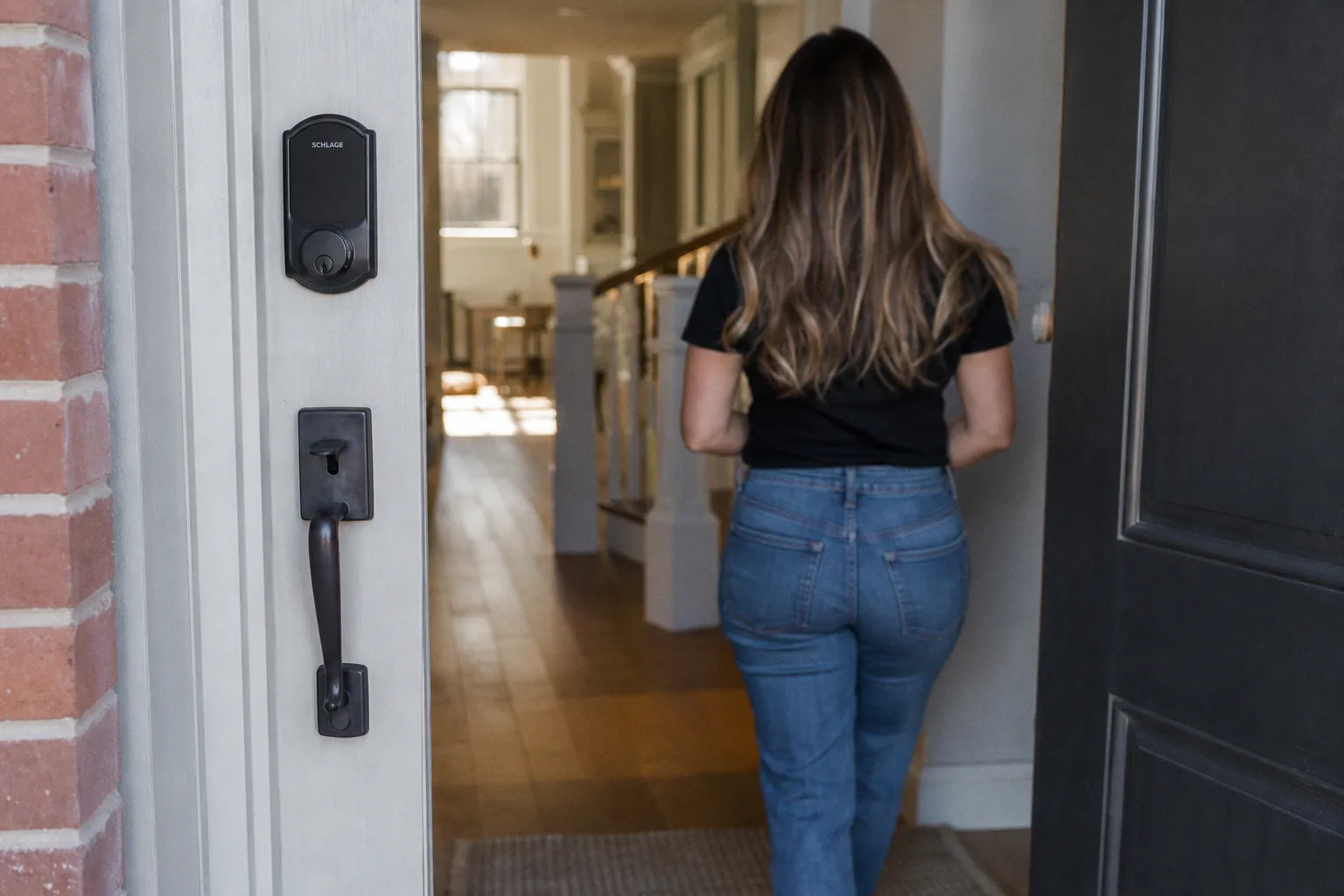
The Encode Plus Distinction and the Apple Home Key Standard
Let's kill the confusion right now. Schlage's lineup is a minefield of similar names and divergent capabilities. The critical differentiator isn't Wi-Fi or even HomeKit support—it's the presence of an NFC chip and specific firmware enabling Apple Home Key. This is the protocol that allows your iPhone or Apple Watch to authenticate and unlock with a tap, even when your phone's battery reads zero percent.
The Schlage Encode Plus Smart WiFi Deadbolt (model BE499WB) is the only Schlage lock engineered for this. It ships with the necessary NFC hardware and a Secure Element that performs the cryptographic handshake on-device. Don't be fooled by the standard Schlage Encode; it shares the name and Wi-Fi connectivity but lacks the Home Key hardware entirely. The Schlage Sense is another trap—it works with HomeKit for Siri and app control but uses Bluetooth for its primary radio, not NFC. No tap-to-unlock here.
The Home Key difference is hardware-deep. It's not a software patch; it's a specific NFC radio and secure element the Encode Plus is built around.
The experience is transformative when it works. You set up a key in the Apple Home app, assign it to your lock, and the credential is stored in the Secure Element of your device. The tap is the trigger, the payload is a cryptographic handshake, and the logic gate—the lock's motor—actuates. It's elegant, but only if you have the right hardware endpoint. The firmware matters too: Schlage has pushed updates that improved initial handshake reliability, but the foundation was always the NFC radio paired to that Secure Element. No other Schlage model has this silicon, period.
Thread Connectivity and the Role of the Apple Home Hub
Home Key is the flashy feature, but the real automation architecture upgrade is Thread. The Encode Plus isn't just a Wi-Fi device; it's a Thread end device that joins an existing mesh network rather than routing traffic between nodes. This is a game-changer for reliability and battery life.
Traditional Wi-Fi locks are power hogs. They maintain an active connection to your 2.4GHz network, listening for commands, polling for state changes, and staying awake when they should be sleeping. Thread is a mesh networking protocol designed for low-power IoT devices. Instead of a constant Wi-Fi radio drain, the lock uses Thread to communicate efficiently with a nearby Apple Home Hub (HomePod mini, Apple TV 4K 2nd gen or later). The hub acts as the border router—the bridge between your Thread mesh and your broader IP network—and routes commands to and from the lock.
This creates a dual-path system. Your direct Apple Home Key tap triggers via NFC, a local, peer-to-peer communication that doesn't touch your network at all. Commands from the Home app or automations travel the Thread mesh to your hub, which bridges them to iCloud. The result is faster response times, better reliability through mesh redundancy, and significantly less battery drain. The lock can sit in a low-power Thread state, only fully waking for a command or a periodic parent check-in.
But this architectural benefit hinges on your home hub hardware. If your Apple TV is from 2017 and your only HomePod is a full-sized original model, you're running on a legacy infrastructure that can't act as a Thread border router. The automation still works—it just falls back to a less efficient path. Your lock defaults to Wi-Fi polling, and battery life drops noticeably. Upgrading to a current-gen HomePod mini or Apple TV 4K (2nd gen) isn't optional for a Thread-optimized home; it's the infrastructure that makes the whole mesh viable. Without a Thread border router in range, the Encode Plus behaves like a standard Wi-Fi lock—functional, but missing the efficiency gains that make the platform compelling.
Security Ratings and Physical Durability of the BE499WB
Automation is pointless if the lock can be bypassed with a screwdriver. Schlage's ANSI/BHMA Grade 1 rating on the Encode Plus is the highest residential security standard available. This isn't marketing fluff; it's a tested measure of durability against forced entry attacks like picking, prying, and drilling.
And here's the part many reviews get wrong: the Grade 1 rating isn't unique to the Encode Plus. The Schlage Sense and the standard Schlage Encode also carry ANSI/BHMA Grade 1 certifications. Across their residential smart lock line, Schlage has consistently spec'd Grade 1 hardware. The security difference between these models isn't in the physical bolt—it's in the digital capabilities layered on top. Where they diverge is in protocol support, not in brute-force resistance.
Grade 1 means the deadbolt, cylinder, and internal mechanisms have been cycle-tested and attacked to a rigorous commercial standard. The bolt is a solid 1-inch throw, the housing is reinforced steel, and the keypad is designed to resist wear and tampering. For context, Grade 2 is the typical benchmark for residential hardware; Grade 1 pushes past that into commercial-grade durability. Schlage putting Grade 1 across its smart lock range is a meaningful spec—it means even their most affordable model isn't skimping on the physical foundation.
This physical robustness matters for your automation logic. A lock that jams or has excessive play introduces unreliability into your triggers. You don't want an automation rule that tries to lock the door at night, only for it to fail because the bolt is misaligned or the motor stalls against a warped frame. The Grade 1 build is about consistent, repeatable physical actuation—critical for any automation chain where the lock is a trigger point or an endpoint.
Managing Access with Power Reserve and Digital Keys
Here's where the system's logic gets interesting for access management. The Encode Plus supports up to 100 unique access codes, manageable through the Schlage Home app or directly in the Apple Home app. This is where you define your logic gates for different users: permanent codes for family, temporary codes for guests with time-based restrictions, and one-time codes for the dog walker on Tuesday.
The access code architecture pairs with Home Key credentials. You can give your partner a Home Key on their Apple Watch, your teenager a numeric code, and the house cleaner a code that only works between 9 AM and noon on Fridays. Each credential is a discrete permission object with its own lifecycle. Revoking access is instant—delete the code or remove the Home Key from the Home app, and it's gone. No rekeying, no collecting physical keys.
But the killer feature for Apple users is Power Reserve. If your iPhone battery dies, you can still unlock the door for up to 5 hours by tapping it against the lock. The critical detail most descriptions get wrong: this isn't about harvesting power from the lock's battery to energize your phone's NFC chip. It's the opposite. Your iPhone maintains a small internal power reserve—enough to drive a single NFC transaction—well beyond the point where it shuts down normal operations. The lock's battery powers its own motor and radio; your phone contributes the tiny NFC burst from its own held-back reserve. It's a brilliant piece of fallback engineering that means your primary access method doesn't become a single point of failure when the battery icon turns red.
From an automation perspective, this changes how you think about device dependency. You can build home scenes that trigger on your arrival without fearing a dead phone battery will lock you out. The system has a contingency, a built-in failsafe that doesn't require you to remember a physical key or code in a panic. The reliability chain extends from digital credential to physical actuation with a battery-death escape hatch built in.
Comparing the Encode Plus to the Schlage Sense and Standard Encode
Choosing wrong is costly. Let's break down the core models, focusing on the capabilities that matter for a HomeKit-centric, automated home.
| Feature | Schlage Encode Plus (BE499WB) | Schlage Sense (BE479) | Schlage Encode (BE489WB) |
|---|---|---|---|
| Apple Home Key | Yes (NFC) | No | No |
| Primary Protocol | Wi-Fi & Thread | Bluetooth | Wi-Fi |
| Thread Support | Yes | No | No |
| Apple Home Hub Required | For remote access & Thread mesh | For remote access | For remote access |
| Security Rating | ANSI/BHMA Grade 1 | ANSI/BHMA Grade 1 | ANSI/BHMA Grade 1 |
| Battery System | 4 AA | 4 AA | 4 AA |
| Unique Access Codes | Up to 100 | Up to 30 | Up to 100 |
The comparison exposes the architectural gaps. The Sense is a Bluetooth-only device, creating a direct range limitation—your phone needs to be within Bluetooth range for local control, and the Home Hub acts as the relay for remote commands. Its HomeKit integration works, but it's a separate, less robust layer without the NFC tap or the mesh benefits of Thread. The 30-code limit also constrains it for households with frequent guests or service providers.
The standard Encode misses the core Home Key feature entirely, making it a non-starter for the primary use case we're solving for. It has Wi-Fi and 100 codes, which is solid, but you're buying a lock that will never support tap-to-unlock regardless of firmware updates. The hardware simply doesn't have the NFC radio. If Apple Home Key is your baseline requirement—and for any iPhone-centric household, it should be—the standard Encode is eliminated at the spec sheet level.
All three locks share the same Grade 1 physical security, the same 4 AA battery system, and the same Schlage mechanical build quality. The price difference buys you protocol options and future-proofing, not a tougher bolt. That's an important distinction: you're not paying more for security against a crowbar. You're paying for digital infrastructure—NFC, Thread, and the automation possibilities they unlock.
The Encode Plus is the only Schlage lock that completes the Apple automation stack: NFC for instant access, Thread for efficient mesh, and Wi-Fi for direct cloud fallback.
Advanced Configuration: Closing the Loop with Event Triggers
For the tinkerer, the real power emerges when you treat the lock not as an endpoint, but as a sensor in a larger automation flow. While Schlage's native API isn't wide open, you can build robust logic using Apple Home's native triggers and shortcuts.
Create a Personal Automation in the Shortcuts app that triggers when the Encode Plus locks or unlocks. This is your event signal. You can then chain actions: log the event to a private database, send a confirmation to a family chat, adjust your smart lighting scene, or trigger a camera recording on a separate platform. The lock's state change becomes a reliable trigger for downstream automations—each unlock event can cascade into a sequence of responses across your entire HomeKit ecosystem.
The limitation? Schlage's ecosystem is still relatively closed compared to open-platform locks. For deeper cross-platform integrations, you might look toward platforms like Home Assistant that can act as a middleware layer, polling the state via the HomeKit integration and firing webhooks to other services. This is where you move beyond consumer-grade convenience into building a truly responsive, event-driven home infrastructure. The Encode Plus is your Grade 1-secured, Thread-enabled trigger point—everything else in your automation chain is only as strong as that physical and digital foundation. For those building in the e-commerce and digital marketing space, where workflow automation is key, the principles of reliable event triggers and secure endpoints apply just as much as in any smart home setup.
The bottom line for anyone building a Schlage smart lock into an Apple-centric home: the Encode Plus isn't just the best option—it's the only option that delivers on the full promise. Thread for efficiency, Home Key for instant access, Grade 1 for physical integrity. The Sense and standard Encode are competent locks, but they're built for a previous generation of smart home architecture. If you're investing in automation, invest in the hardware that participates in it fully.