Compare Local Edge AI Cameras to Cloud Storage Services
The porch pirate got away. Not because the camera missed the frame — the 4K sensor caught every pixel of the guy ripping open the package. The footage is gorgeous. The problem is timing.
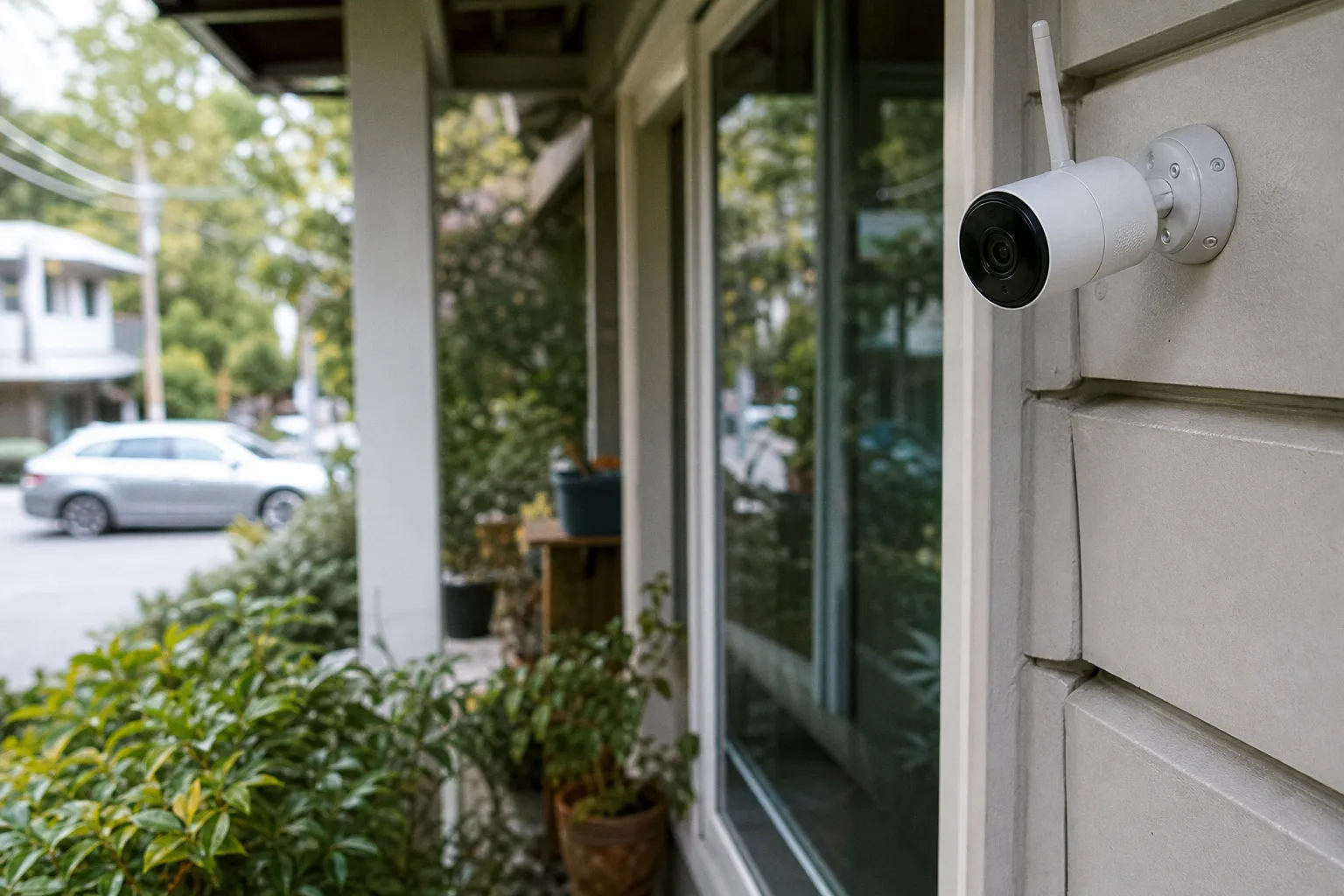
# Privacy vs. Redundancy: Dissecting the Local Edge AI Camera vs. the Cloud Subscription Trap
If you have ever stood in your kitchen watching a thumbnail buffer while something genuinely concerning happened in real time, you have felt the architectural sin at the heart of cloud-first surveillance. The frame is captured, uploaded to a remote server, parsed by someone else's GPU, classified against someone else's model, then pinged back to your handset. That round trip is not a feature. It is a bottleneck. The entire class of "smart" cameras is essentially a relay race where the baton is your front door, and the runner is a server farm in Virginia.
The Latency Gap and Real-Time Response Dynamics
Local Edge AI cameras kill that relay race. The frame lands on a chip — usually an Ambarella CV series or a Hailo-8 — sitting millimeters from the lens. Object classification runs on-device. Motion triggers, person detection, vehicle differentiation, even facial recognition, all execute without a single packet leaving your LAN. The result: sub-1-second response times from event to notification. You are not waiting for a server to wake up and decide if that shadow is a raccoon or a person. The logic gate fires in the device itself.
This is not a marginal improvement. The difference between a 0.6-second local trigger and a 6-second cloud round trip is the difference between catching a porch pirate mid-stride and reviewing their getaway. For automation architects, that latency is the entire reason we build local-first pipelines. When the trigger fires, downstream payloads can execute without a network dependency: sirens, Z-Wave relay flashes, MQTT-published events to Home Assistant, webhook calls to a local Node-RED flow. The camera is not a sensor anymore. It is a node on your local network that happens to have a lens.
If the alert arrives after the suspect is gone, the AI did not protect anything — it merely documented the loss.
Cloud systems, by contrast, treat latency as a cost of doing business. Some vendors are honest about this. Most bury it under marketing copy about "advanced AI" that actually runs in their data center. You are paying for someone else's inference farm and inheriting its queue depth, its bandwidth constraints, and its maintenance windows. The moment your upload pipe saturates — because the neighbor decided to stream 4K Netflix at the same time the dog walked by — the entire alert chain stalls. Local processing sidesteps this by simply not needing the upload.
Economic Realities of Subscription Fees vs. Hardware Investment
The subscription model is the part where even the most patient tinkerer starts reaching for the screwdriver. Cloud storage services charge between $3 and $15 per camera per month. That is a polite line item until you run the math across a six-camera deployment: $60 to $90 monthly, $720 to $1,080 annually, recurring, forever. No equity. No asset. The moment you stop paying, your footage evaporates. That is not a storage solution — that is rent on your own security footage.
Local storage flips the economic model. A 256GB microSD card runs you roughly $15 to $25. A 1TB card sits in the $80 to $120 range. Pop it into the camera, format it, and the device writes directly to local flash. No subscription, no cloud dependency, no recurring dunning emails. The hardware is yours, the storage is yours, and the only ongoing cost is the electricity to keep the Wi-Fi radio warm.
But — and this is the part the local-storage evangelists sometimes skip — that microSD card is doing the most brutal write workload in your entire smart home. Security cameras write continuously. A 4K stream at 15 fps can chew through the rated write endurance of a consumer-grade card in under eighteen months. The card does not fail gracefully; it fails silently, often corrupting the most recent recordings first. If you are running a serious deployment, the right move is an NVR or a NAS with surveillance-rated drives (WD Purple, Seagate SkyHawk), but that is a capital expense of $200 to $500 plus the cost of the enclosure.
The cloud subscription, for all its rack-rate absurdity, does buy you something: a datacenter with redundant power, offsite backups, and someone else's sysadmin. For some households, that recurring fee is a justified trade for not owning a NAS. But the moment you stack the per-camera monthly against the amortized cost of a proper NVR setup over a three-year window, the cloud loses on pure economics — unless you value the redundancy premium very, very highly.
Bandwidth Optimization and Network Stability in Smart Homes
Here is the part of the cloud-camera pitch that almost never gets quantified: upstream bandwidth. A single 1080p camera streaming continuously to the cloud consumes roughly 2 to 4 Mbps of upload bandwidth. A 4K camera can demand 8 to 16 Mbps. Stack three or four of them and you are saturating a residential upload link that was probably provisioned at 10 to 20 Mbps to begin with. The moment your ISP throttles, your spouse joins a video call, or a cloud backup kicks in, the camera stream degrades — and so does the AI inference running on the remote server.
Local Edge AI cameras solve this with a simple architectural choice: they do not stream continuously. They watch the frame buffer, run inference locally, and only transmit when something meaningful happens — and even then, they often push a low-bitrate clip or just metadata. Bandwidth consumption drops by an order of magnitude. A local-first camera might use 50 to 200 Kbps for idle heartbeat traffic, versus the multi-megabit torrent a cloud camera demands 24/7.
This matters beyond just network performance. The less footage you ship to the cloud, the less you expose to breach surface. Every uploaded frame is a frame that lives on a server you do not control, governed by a privacy policy you did not negotiate, subject to a subpoena you will never see. Local processing keeps the raw stream on your LAN, under your firewall, behind your VPN if you bother to route it correctly. If you do push a snapshot to the cloud, it is a deliberate webhook payload, not a default behavior.
Speaking of push notifications and mobile data, the integration between camera alerts and your phone is where the cloud vendors have historically had a usability advantage. Their apps are polished. Their mobile notification pipelines are mature. The good news is that local-first ecosystems have caught up — Home Assistant Companion, Frigate + MQTT push, and direct integrations with messaging and tariff tools for mobile users all let you route camera triggers to your handset without a vendor middleman. You do not have to surrender your data topology to get a clean push notification on your lock screen.
Data Redundancy and the Physical Security of Footage
Let us address the strongest argument for the cloud, because it is a real one: redundancy. If a thief breaks in, finds the camera, and smashes it — or just snatches the microSD card on the way out — your local footage is gone. The cloud has it. This is the "offsite backup" pitch, and it is legitimate. Cloud providers run geo-redundant storage with 256-bit AES encryption in transit and at rest. Your footage survives the physical destruction of the recording device.
But the framing is slightly dishonest. The thief has to know exactly where the camera is, reach it, and have the tools and the nerve to dismantle it while a siren is going off. In the most common break-in scenario — the smash-and-grab, in and out in under three minutes — the camera is rarely the target. The thief is grabbing jewelry, laptops, and prescription bottles. The camera on the bookshelf is a witness, not a priority. Local storage captures that witness just fine.
If you genuinely want the belt-and-suspenders approach, hybrid storage is the answer. The camera writes to the local microSD for instant playback and forensic detail. Simultaneously, on motion triggers, it uploads a 10-30 second clip to your NAS over SFTP, or to a Backblaze B2 bucket, or to a friend's house via a VPN tunnel. You get the cloud's redundancy without the cloud vendor's pricing. You get the local camera's sub-1-second response without sacrificing the offsite backup. This is the architecture that the 2023 shift toward "hybrid" models by major brands was finally catching up to — though most of them still charge a subscription for the privilege of using your own bandwidth.
Local storage is not a backup strategy. Hybrid storage is a backup strategy. Local-first is the latency strategy. They are different problems with different solutions.
The Evolution of On-Device Intelligence and Object Classification
The single biggest shift in consumer surveillance over the last twenty-four months is not resolution. It is not night vision. It is the fact that the AI moved onto the device. Modern Edge AI chips can classify objects — human, vehicle, animal, package — with accuracy rates exceeding 95% entirely on-device, with no internet connectivity required. That number is not aspirational. It is what chips like the Hailo-8 and Ambarella CV25 deliver today, in cameras you can buy off Amazon for under $200.
What this means architecturally is profound. The camera is no longer a dumb pipe shipping pixels to a server for someone else's GPU to interpret. It is a perception engine. It understands the scene. It can publish a structured event payload over MQTT — `{ "event": "person_detected", "confidence": 0.97, "zone": "driveway", "timestamp": "..." }` — and that payload can drive any downstream automation you can imagine. Lights flash. A speaker plays a pre-recorded voice prompt. The garage door locks. A snapshot is sent to a Telegram channel. The front-door smart lock refuses to unlock for unknown faces. The camera is the trigger source. The logic is yours.
This is where the closed-ecosystem crowd falls apart. The vendor that locks the AI behind a subscription is selling you back your own inference. The camera already did the work. They are charging you to see the result. This is the walled-garden sin: monetizing the output of a chip you already paid for, by holding the notification pipeline hostage. The local-first ethos treats that as a non-starter. If the inference ran on the device, the output is yours. Period.
Architecting the Final Flow
If you are wiring this up today, here is the blueprint I run in production for clients who want the best of both architectures:
The trigger chain. Camera runs local AI inference via onboard chip. On `person_detected` or `vehicle_detected` events, the camera publishes an MQTT message to a local broker (Mosquitto on a Pi 5, or a Home Assistant add-on). The broker forwards the event to Node-RED, where a logic gate evaluates the time of day, the zone, and the current occupancy state. Daytime + known occupant = silent log. Nighttime + unknown person + unoccupied home = full payload: siren, flashing lights, push notification with snapshot, snapshot uploaded to offsite backup.
The storage chain. Continuous recording writes to a surveillance-rated microSD card for local forensic review. Motion-triggered clips simultaneously upload via SFTP to a NAS in a different physical location (parents' house, friend's closet, colocation rack). Retention: 7 days local, 30 days offsite. No cloud vendor involved. No subscription. The redundancy comes from geographic separation, not from paying a SaaS provider rent.
The escalation chain. If the camera detects a person at the back door between midnight and 5 AM, the automation kicks to high alert: it sends a snapshot via Telegram to three contacts, triggers a smart bulb to flash red, plays a verbal warning through a nearby speaker, and publishes the event to a Discord webhook with the address pre-filled. The latency from frame capture to all five payloads firing: under 800 milliseconds. No cloud round trip. No vendor throttling. No subscription gate.
Sub-second triggers, offsite redundancy, zero recurring fees, and full control of the data topology — that is not a fantasy. It is what local-first architecture actually delivers when the walls come down.
The cloud subscription is not evil. For a renter who cannot run ethernet, or a household that genuinely does not want to manage a NAS, it is a reasonable trade — especially with the hybrid plans now hitting the market. But do not mistake convenience for superiority. The cloud camera's latency is real, its bandwidth cost is real, its recurring fee is real, and the fact that the AI runs on someone else's hardware is a real architectural compromise. Local Edge AI cameras give you sub-1-second triggers, 95%+ on-device classification accuracy, and a data pipeline you actually own. The porch pirate does not care which one you bought. Your phone's notification timestamp does.